
User guide for WD's My Passport Wireless portable hard drive, covering setup, Wi-Fi connection, battery use, and media management.
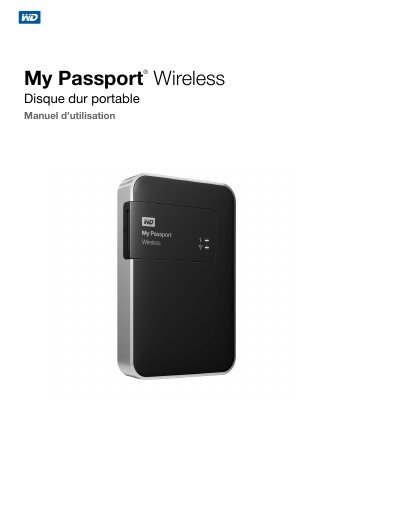
This manual provides step-by-step instructions for using the WD My Passport Wireless portable hard drive. It covers setup, Wi-Fi connectivity, battery management, media streaming, and device administration. The device allows wireless file access and sharing via smartphone, tablet, or computer without an internet connection. It also features an integrated SD card slot for on-the-go photo and video transfer. The manual includes troubleshooting tips and warranty information. This manual is written in French.
| Battery Life | Up to 6 hours of video streaming, up to 20 hours of standby |
|---|---|
| USB Port | USB 3.0 |
Up to 6 hours of video streaming and up to 20 hours of standby.
USB 3.0 for fast data transfer.