
This manual introduces the use of WD external hard drive My Book Home Edition, including product packaging, compatibility, recording WD product information, registering WD products, handling precautions, and about WD drivers.
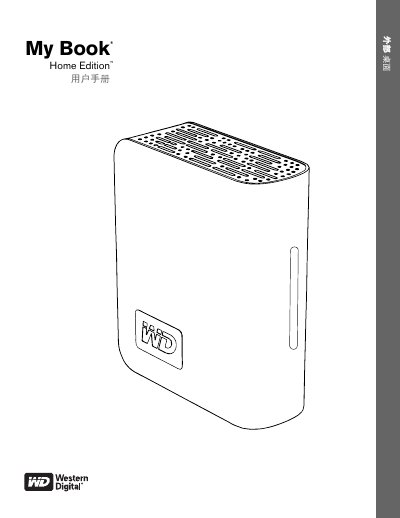
This user manual covers the WD My Book Home Edition external desktop hard drive. It describes package contents, compatibility, handling, drive formatting, LED indicators, software, and connection steps for Windows and Macintosh.
It also explains safe shutdown and disconnection procedures, SmartPower behavior, Kensington security slot support, and troubleshooting for installation and common issues. This manual is written in Chinese.
| Interfaces | USB, FireWire 400, eSATA |
|---|---|
| Compatible operating systems | Windows 2000/XP/Vista and Mac OS X 10.4.8 or later |
| Preformatted file system | FAT32 |
| Maximum single file size | 4 GB |
| Windows partition size limit | Cannot create partitions larger than 32 GB in Windows 2000/XP |
| Capacity gauge | Enabled only by installing the driver on each connected system |
| SmartPower | Automatically powers on/off with the computer in USB or FireWire mode; not available in eSATA mode |
| Kensington security slot | Supported; security cable sold separately |
| Power/activity LED | Stable, fast blink, slow blink, or up/down blink depending on state |
The kit includes the three-interface external hard drive, a USB cable, a FireWire 400 cable (6-pin to 6-pin), an AC adapter, and a Quick Installation Guide.
It is compatible with Windows 2000/XP/Vista and Mac OS X 10.4.8 or later, using USB, FireWire 400, or eSATA.
Press the power/Safe Shutdown button once and wait for the power LED to go out, or use Safely Remove Hardware, then disconnect.
The system may be running at USB 1.1 speed because of an incorrect USB 2.0 adapter driver or lack of USB 2.0 support.