
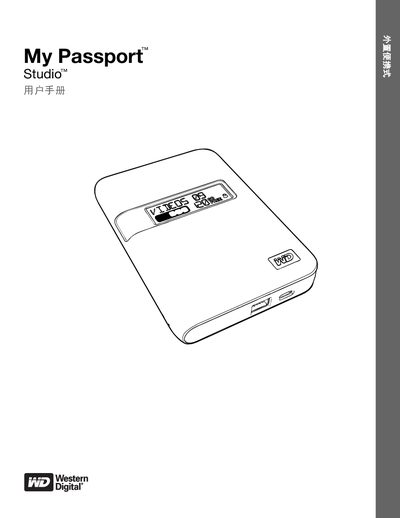
Western Digital My Passport Studio User Manual


Western Digital My Passport Studio User Manual - cover page
Brand
WD
Category
Hard disk
Document type
User Manual
Language
Chinese
Pages
72
File format
PDF
Updated
29 September, 2023
MD5 checksum
3F57A32E410BD413B48293D9B333562A

About this manual

This manual provides instructions for the Western Digital My Passport Studio, a portable external hard drive designed for both Mac and Windows systems. It details the drive's physical features, including FireWire 800 and USB 2.0 connectivity, and explains how to use the included WD SmartWare software for automated backups and file recovery. The guide also covers security features such as hardware encryption and password protection. This manual is written in Chinese.

What's inside

  • WD Service and Support
  • About the WD Hard Drive
  • Hard Drive Connection and Getting Started
  • Backing Up User Computer Files
  • Restoring Backed-Up Files
  • Hard Drive Locking and Unlocking
  • Hard Drive Management and Customization
  • Troubleshooting
  • Compliance and Warranty Information

Frequently asked questions

What is the power requirement for the hard drive when connected via USB?

The hard drive does not require a separate power source when connected via a USB 2.0 port.

What is the encryption level for the hard drive lock feature?

The hard drive lock feature uses 256-bit hardware encryption to prevent unauthorized access.

Download PDF

More WD Manuals


View all WD manuals →