
This user manual provides instructions for setting up, connecting, and using the WD My Passport Wireless Pro and My Passport Wireless SSD Wi-Fi hard drives.
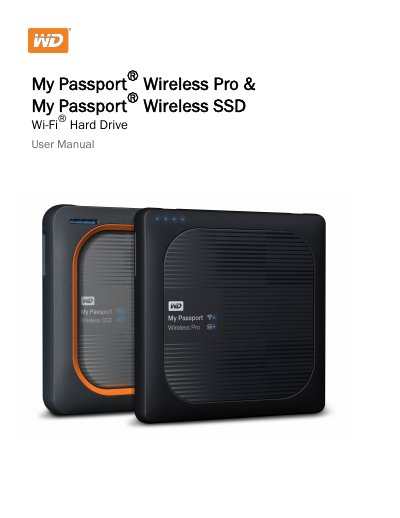
This manual covers the My Passport Wireless Pro and My Passport Wireless SSD Wi-Fi hard drives. It includes information on handling precautions, kit contents, and product components such as LEDs and buttons. The guide details how to set up the drive for the first time using a computer or mobile device, including connecting to home Wi-Fi networks and the internet.
| Drive Capacity | 1TB, 2TB, 3TB, 4TB (My Passport Wireless Pro); 250GB, 500GB, 1TB, 2TB (My Passport Wireless SSD) |
|---|---|
| Battery Capacity | 6400mAh (My Passport Wireless Pro); 6700mAh (My Passport Wireless SSD) |
| Wi-Fi Protocol | 11n 1Tx1R: 802.11g/n (20M/40M) and 11ac 1Tx1R: 802.11a/n/ac (20M, 40M, 80M), Dual-Band/AP |
| USB Interface Speed | USB 3.0 up to 5 Gb/s; USB 2.0 up to 480 Mb/s |
| Dimensions | Width 126.0 mm; Length 126.0 mm; Height 24.0 mm |
| Weight | 446g (My Passport Wireless Pro); 440g (My Passport Wireless SSD) |
The drive supports Windows 10, Windows 8, Windows 7, and macOS versions from Lion (10.7) to High Sierra (10.13).
Supported browsers include Internet Explorer 10.0 and later, Safari 6.0 and later, Firefox 30 and later, and Google Chrome 31 and later.
The kit includes the storage drive, a USB 3.0 cable, a USB AC Power Adapter, a Quick Install Guide, and a Shock-resistant Bumper (for My Passport Wireless SSD only).