
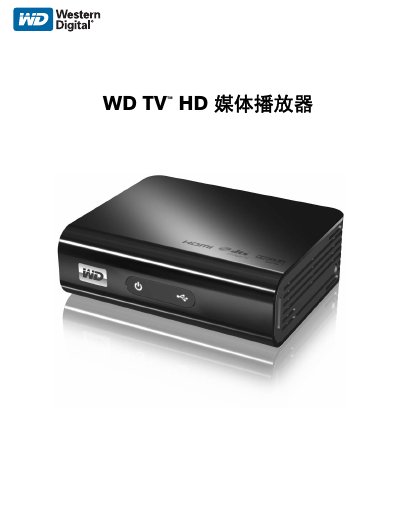
This manual provides instructions for setting up and using the WD TV HD media player to stream and play digital media. It covers connecting the device to a TV via HDMI, managing content via USB or network, and configuring audio and video settings. The device supports multiple file formats and can be controlled via remote or web interface.
| Video Output | HDMI 1.3 |
|---|---|
| Audio Output | Toslink (Optical) and RCA |
| Supported Video Formats | 480i, 576p, 720i, 720p, 1080i, 1080p |
| Supported Audio Formats | MP3, WAV, WMA, AAC, FLAC, OGG, Dolby Digital |
| USB Support | FAT32, NTFS, HFS+ |
It supports 480i, 576p, 720i, 720p, 1080i, and 1080p video formats.
It supports MP3, WAV, WMA, AAC, FLAC, OGG, and Dolby Digital audio formats.
It supports up to 1080p HD resolution via HDMI 1.3.
It supports FAT32, NTFS, and HFS+ file systems.