
This manual provides instructions for connecting, installing software, backing up files, and managing the WD My Book Desktop Storage drive.
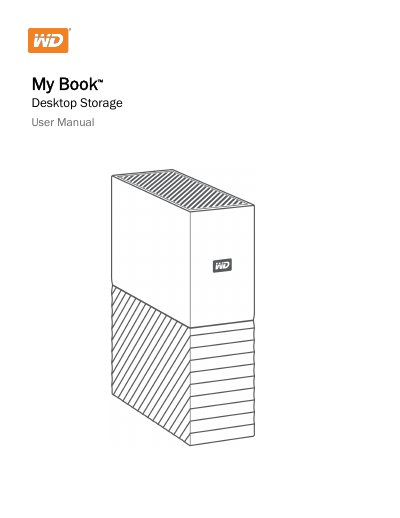
The WD My Book Desktop Storage is an external hard drive featuring high capacity in a sleek design with ultra-fast USB 3.0 connectivity. It includes built-in hardware encryption (256-bit AES) for password protection and comes equipped with software tools like WD Discovery, WD Backup, and WD Security to help manage data and protect files from unauthorized use.
This manual covers the complete setup process, including connecting the drive via USB 3.0 or AC adapter, installing the necessary software on Windows or macOS systems, and configuring backup routines using WD Backup or Apple Time Machine compatibility.
| Interface Transfer Rate (USB 3.0) | up to 5 Gb/s |
|---|---|
| Interface Transfer Rate (USB 2.0) | up to 480 Mb/s |
| Encryption Standard | 256-bit AES hardware encryption |
| Operating System Compatibility (WD Backup) | Windows 7, Windows 8, Windows 8.1, Windows 10 |
| Disk Drive Format | single exFAT partition |
The kit includes WD Discovery, WD Backup, WD Drive Utilities, and WD Security software.
Yes, it is equipped with Apple Time Machine compatibility to help back up photos, videos, music, and documents.
You can install the necessary software from the offline installer folders located on the drive itself.