
This file is the user manual of AS-8050 scanner. It introduces the features and characteristics of the product, such as high-density resolution, support for scanning 3mil barcodes, and support for connection to mobile phones, tablets and other devices.
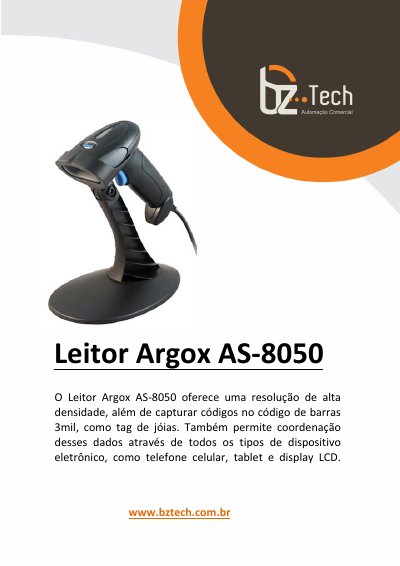
The AS-8050 CCD Scanner User Guide explains how to set up the Argox barcode reader for a particular application. It states that configured options remain in the reader after power down and that the reader can be set to factory default by reading the default barcode.
The manual covers product specifications, default barcode parameters, interface specifications, command instructions, general command data format, parameter modification commands, barcode settings, prefix and suffix settings, firmware update mode, and appendixes including an ASCII code table and example codes.
| Interface options | USB HID, USB Virtual Com, or customized interfaces |
|---|---|
| Scan module power supply | DC3.3V or DC5V, depending on module, ±5% |
| Buzzer good-read output | 3K frequency for 150ms when decoding succeeds |
The reader can be set to factory default by reading the default barcode.
Yes. When the required options have been configured, they remain in the reader even after power down.
This manual applies to the AS-8050.
Argox readers can be equipped with USB HID, USB Virtual Com, or other customized interfaces.