
A Series User’s Manual
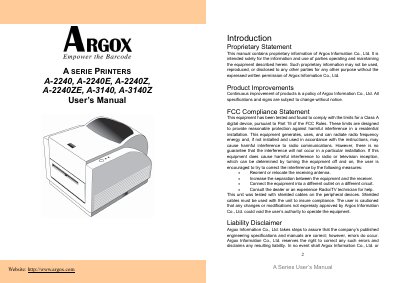
This user's manual covers the Argox A Series desktop barcode printers, including models A-2240, A-2240E, A-2240Z, A-2240ZE, A-3140, and A-3140Z. It provides operating instructions, troubleshooting steps, maintenance information, and technical reference details.
Topics include getting started, ribbon and media loading, configuration, computer connections, and printer care. The document also contains FCC compliance information and proprietary notices from Argox Information Co., Ltd.
| Power adapter output | 24VDC, 2.4A |
|---|---|
| EMC standard | EN 55022:2006+A1:2007, class A |
| RoHS directive | 2002/95/EC |
| FCC class | Class A digital device |
It covers the A-2240, A-2240E, A-2240Z, A-2240ZE, A-3140, and A-3140Z printers.
The adapter output is 24VDC, 2.4A.
Press and hold the Feed Button while turning on the power.