
This is a product user manual, which introduces the use of GC311 LIVE GAMER MINI
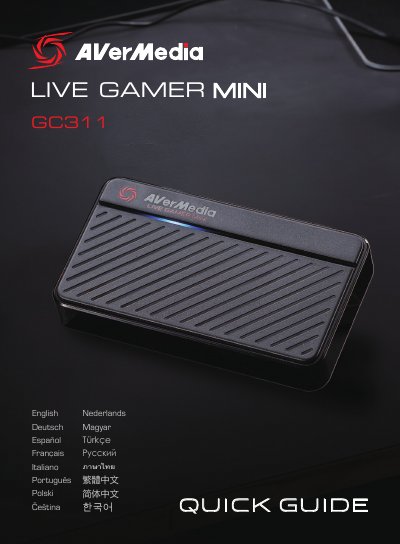
AVerMedia GC311 Live Gamer Mini is the product covered by this multilingual quick guide. The guide includes safety instructions, preparation and box contents, RECentral software information, parts and ports, LED indications, installation, capture and stream setup, and specifications.
The listed specifications include a USB 2.0 interface, HDMI 1.4 input and pass-through, supported resolutions up to 1080p60 recording and pass-through, MPEG 4 (H.264 + AAC) recording format, dimensions of 100 x 57 x 18.8 mm, and a weight of 74.5 g.
| Interface | USB 2.0 |
|---|---|
| Input and output (pass-through) | HDMI 1.4 |
| Supported resolution | 1080p, 1080i, 720p, 576p, 576i, 480p, 480i |
| Maximum record resolution | 1080p60 |
| Maximum pass-through resolution | 1080p60 |
| Record format | MPEG 4 (H.264 + AAC) |
| Dimensions (W x D x H) | 100 x 57 x 18.8 mm |
| Weight | 74.5 g |
| Ambient temperature | 32–104°F (0–40°C) |
The box includes the Live Gamer MINI, Quick Guide, and a USB 2.0 Type-A to Micro-B cable.
A slow flashing red LED indicates recording.
RECentral is the Windows-based streaming and recording software designed for Live Gamer capture cards.