
This is a video converter that can convert Component video to HDMI video. Its product features include: support 1080i/p 50/60 Hz, 720p 50/60 Hz, 480i/p 60 Hz, 576i/p 50 Hz resolution and USB power supply, which is very convenient to use.
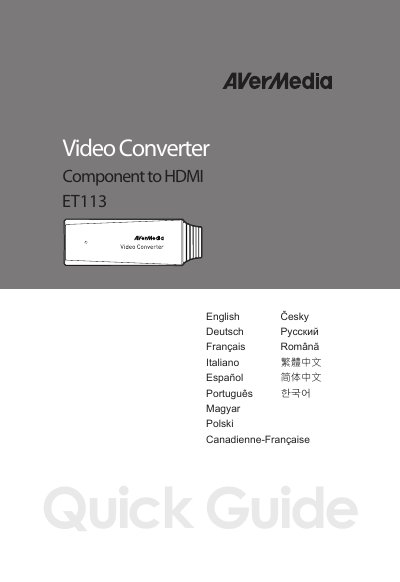
The AVerMedia ET113 Quick Guide describes a video converter with component video and stereo audio jacks, an HDMI output, a power indicator, and a USB DC power plug. It gives three basic installation steps for connecting video and audio outputs, powering the unit through USB, and connecting the HDMI output to a TV.
The guide lists supported resolutions from 480i/p 60 Hz to 1080i/p 50/60 Hz and notes that an HDMI cable is not included. It also contains FCC, European Community, Canada IC, KCC, and EAC compliance statements, plus model and part number information.
| Model number | ET113 |
|---|---|
| Part number | 300AET113D6K |
| Supported resolutions | 480i/p 60 Hz, 576i/p 50 Hz, 720p 50/60 Hz, 1080i/p 50/60 Hz |
| HDMI output | HDMI-OUT |
| Component video jacks | Component Video Jacks |
| Stereo audio jacks | Stereo Audio Jacks |
| USB DC power | USB DC Power Plug |
| HDMI cable | Not included |
It supports 480i/p 60 Hz, 576i/p 50 Hz, 720p 50/60 Hz, and 1080i/p 50/60 Hz.
Connect the USB DC power plug to a USB port for power, or use a USB power adapter.
No, the guide says to use an HDMI cable that is not included.