
This is a quick guide for PDU8000 battery switch box. It mainly introduces the device model, dimensions, tools required, tightening torque and other contents of the battery switch box.
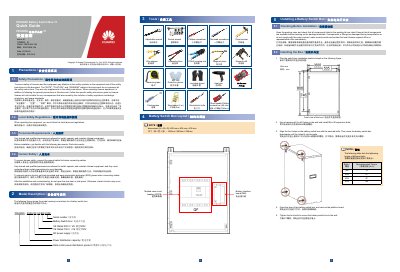
This Huawei quick guide covers the PDU8000 Battery Switch Box-T1, a battery switch box for DC power distribution in data centers. It explains the model naming convention, including V8 500 V and V9 750 V ratings and the 800 mm x 600 mm x 300 mm dimensions.
The guide lists required tools, shows the box layout, and gives steps for wall mounting with M8 x 80 expansion bolts, installing input/output and signal cables, setting BIB DIP switches for up to four cascaded BIB boards, and checking the installation before power-on and commissioning.
| Dimensions (H x W x D) | 800 mm x 600 mm x 300 mm |
|---|---|
| Rated voltage (V8) | 500 V |
| Rated voltage (V9) | 750 V |
| Maximum cascaded BIBs | 4 |
| Cable routing | Bottom in, top out |
The battery switch box measures 800 mm x 600 mm x 300 mm (H x W x D).
A maximum of four BIB boards can be cascaded.
It is mounted using M8 x 80 expansion bolts; the four holes on the box are aligned with the secured bolts and then tightened.
Before power-on, verify the items in the electrical connection, hardware installation, and cable installation checklists.