
This document introduces the hardware user manual of Q-SYS SPA-Qf series network amplifier, including terms and symbols, important safety instructions, maintenance and repair, cleaning, FCC statement, etc.
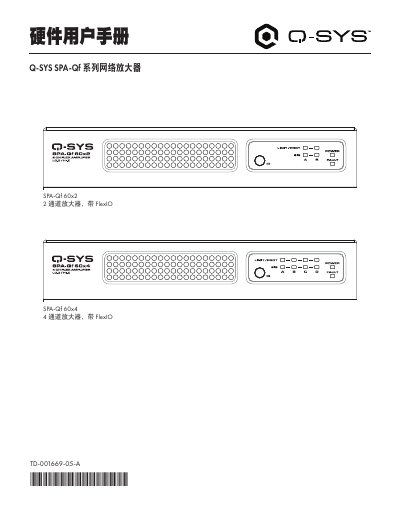
This hardware user manual covers the Q-SYS SPA-Qf series network amplifiers from QSC: the SPA-Qf 60x2 two-channel amplifier and the SPA-Qf 60x4 four-channel amplifier, both with FlexIO. It sets out the safety instructions, maintenance and cleaning notes, the FCC statement, the RoHS declaration, and the items included in the box.
The manual then introduces the amplifiers and describes the front and rear panel connections for both models, including the ID button, the LEDs, the output channels, GPIO, the two flexible channels, the reset button, the LAN port and the AC power input. Rack mounting instructions follow, with ventilation requirements, mounting one amplifier in a 19-inch rack, mounting two amplifiers side by side, and mounting an amplifier in a half rack. This manual is written in Chinese.
| Operating Temperature Range | -10°C to 35°C |
|---|---|
| Storage Temperature Range | -20°C to 60°C |
| Relative Humidity | 5 - 85% RH, non-condensing |
| Expected Product Life Cycle | 20 years |
| AC Power | 100-240V~ 50/60 Hz |
| LAN | RJ45, 1 Gigabit Q-LAN network connection |
| Rear Clearance | At least 6 inches of open space |
A Q-SYS Core processor and Q-SYS Designer Software (QDS) version 9.8 or later are required for configuration and operation.
Press the ID button once; all front panel LEDs flash to identify the device.
The amplifier output can be expected to decrease, and when the hardware temperature exceeds 73°C the amplifier shuts down.
At least 6 inches of open space measured from the back of the amplifier.