
This Quick Start Guide provides installation, connection, configuration, and operation instructions for the QSC CXD‑Q 8‑channel amplifier.
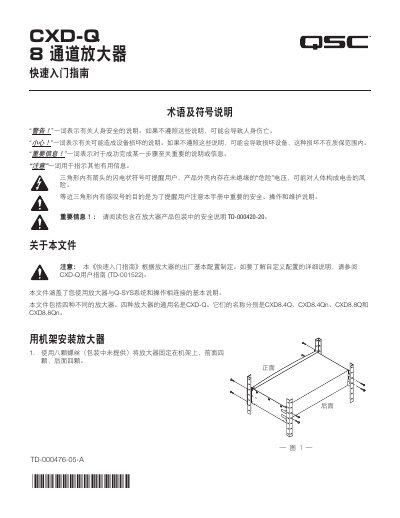
The guide begins with safety symbols and terminology, then explains how to rack‑mount the amplifier using eight screws (four front, four rear). It covers power connection, LAN networking, and both balanced and unbalanced audio inputs.
Further sections describe output configurations (independent, bridged, parallel), front‑panel controls, firmware update procedures, LAN settings, health monitoring (fan speed, temperature, voltage), output gain adjustment, and GPIO pin functions. This manual is written in Chinese.
| V Rail 1 | +147 VDC ±5 V (typical) |
|---|---|
| V Rail 2 | ‑147 VDC ±5 V (typical) |
| AC Input Voltage | 115 V AC |
| AC Input Current | 1.61 A |
| Fan Speed | 1109 RPM |
| Power Supply Temperature | 35.3 °C |
Use eight screws (four at the front and four at the rear) to secure the amplifier to the rack.