
User manual for the QSC Axon C1 Programmable IP Controller covering installation, configuration, operation, and specifications.
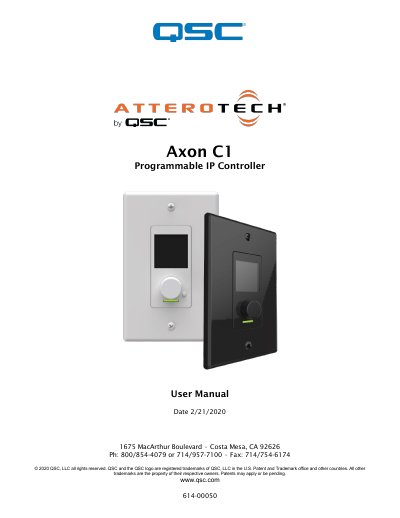
The QSC Axon C1 is an assignable IP-based control solution designed for networked AV systems. It features a small form factor with a single gang Decora in-wall design, including an OLED display and a rotary encoder for controlling volume, mute, and preset recall. Extended functionality can be developed using Attero Tech's unIFY Control Panel software or a Q-SYS Designer plug-in.
| Product Type | assignable IP-based control solution |
|---|---|
| Form Factor | single gang Decora in-wall design |
| Display | OLED |
| Power | PoE-enabled |
| Part Number | 900-00223-01 |
The box includes the Axon C1 device, interchangeable white and black Decora-style inserts, a white US Single Gang Decora cover plate, and a black US Single Gang Decora cover plate.
On power up, the C1 presents a splash screen with three small boxes that fill in as each initialization step is completed.
A flashing blue LED indicates that a firmware update is in progress.
Yes, the C1 can be configured in 'Q-SYS' mode and utilizes a Q-SYS Designer plug-in for control.