
This guide provides instructions for rack mounting, connecting inputs and outputs, configuring the amplifier, and using preset features.
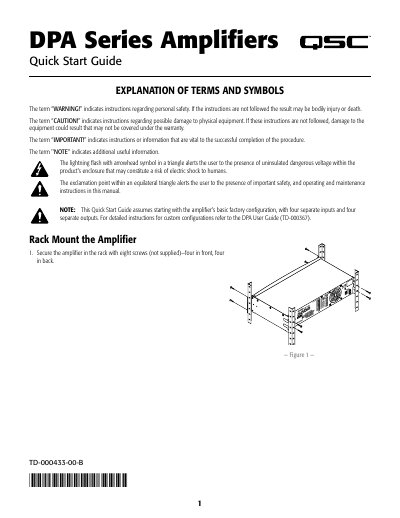
The QSC DPA Series Amplifiers are designed to be rack-mounted and configured via a front panel interface. The document explains how to secure the unit in a rack using supplied screws and details the wiring procedures for line-level audio sources using Euro-style connectors. It covers both balanced and unbalanced input connections as well as various output configurations, including separate channels and bridged modes.
It alerts the user to the presence of uninsulated dangerous voltage within the product's enclosure that may constitute a risk of electric shock.
Navigate through HOME > PRESETS > PRESET WIZARD and press ENTER.
No, you cannot overwrite Factory Presets; they can only be modified and saved as new User Presets.