
This instruction manual describes the use of AcuRite Touchscreen Thermometer & Timer, including packaging contents, product features, temperature setting, food preparation, usage, troubleshooting, care & maintenance, specifications, customer support and warranty policy.
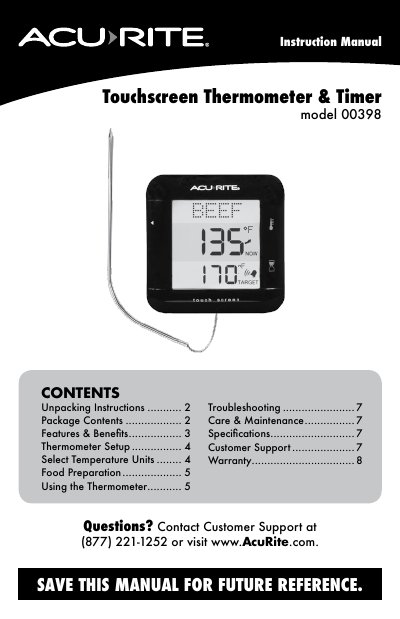
Congratulations on your new AcuRite product. This Instruction Manual for the AcuRite 00398 touchscreen thermometer and timer explains unpacking, package contents, features, thermometer setup, temperature units, food preparation, and using the thermometer.
The manual covers meat doneness and target temperature setup, current temperature checks, timer mode, automatic shutoff, troubleshooting, care and maintenance, specifications, and customer support. It notes that the product is not intended for cooking environments that exceed 482ºF (250ºC).
| Temperature Range | -40ºF to 482ºF (-40ºC to 250ºC) |
|---|---|
| Timer Range | 99 minutes, 59 seconds |
| Power | 2 x AAA alkaline batteries |
Press and release the “ºC/ºF” button, located in the battery compartment of the thermometer.
The temperature range is -40ºF to 482ºF (-40ºC to 250ºC).
Dispose of old or defective batteries in an environmentally safe way and in accordance with local laws and regulations.