
AcuRite 06058 High Resolution Weather Station Display User Manual

This file is the user manual for AcuRite 5-in-1 Weather Sensor (06058), introduces the product's features, specifications, use instructions and maintenance.
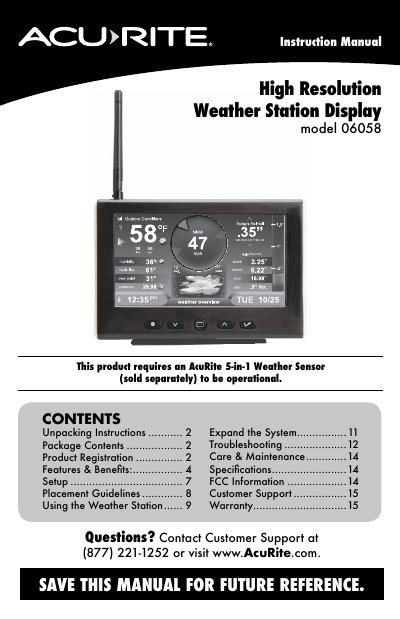

AcuRite 06058 High Resolution Weather Station Display User Manual - cover page
Brand
ACU-RITE
Document type
User Manual
Language
English
Pages
16
File format
PDF
File size
3.1 MB
Published
19 October, 2023
Updated
19 October, 2023
MD5 checksum
3501FFEE6EAD7750CF8DE458794843B1

About this manual

This manual provides instructions for setting up and using the AcuRite 06058 high resolution weather station display. It includes details on unpacking, display setup, placement guidelines, and troubleshooting. The display requires an AcuRite 5-in-1 weather sensor (sold separately) to function. Features include weather overview and indoor dashboards, alarm settings, and customizable units. The manual also covers warranty information and customer support options.

What's inside

  • Unpacking Instructions
  • Package Contents
  • Product Registration
  • Features & Benefits
  • Setup
  • Placement Guidelines
  • Using the Weather Station
  • Troubleshooting
  • Care & Maintenance
  • Specifications

Frequently asked questions

What is required for the AcuRite 06058 display to work?

An AcuRite 5-in-1 Weather Sensor (sold separately) is required.

What is the maximum distance allowed between the display and sensor?

The display and sensor must be within 330 feet (100 m) of each other.

Download PDF (3.1 MB)

More ACU-RITE Manuals


View all ACU-RITE manuals →