
This manual provides setup, operation, and maintenance instructions for the AcuRite Professional Weather Center model 01536 / 8900123.
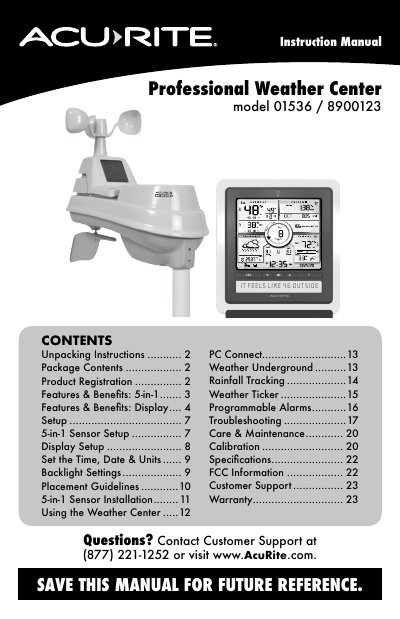
Congratulations on your new AcuRite product. This instruction manual covers unpacking, package contents, product registration, and features of the 5-in-1 sensor and display unit. It details how to set up the A-B-C switch for synchronization between units and install batteries or power adapters.
The guide explains how to configure time, date, language, and measurement units on the display. It also covers backlight settings, placement guidelines, installation of the 5-in-1 sensor, connecting to a PC via USB, using Weather Underground services, rainfall tracking, programmable alarms, troubleshooting common issues, care and maintenance, calibration procedures, FCC information, and warranty details.
| Power Input (AC/DC Adapter) | 100-240 AC 50-60Hz |
|---|---|
| Power Output (DC) | 5.0V 250mA |
| Backup Battery Type | 3 x AA Alkaline |
| Sensor Battery Type (Standard) | 4 x AA Batteries |
You must set the A-B-C switch inside the battery compartments of both units to the same letter (A, B, or C) to ensure they synchronize.
AcuRite recommends high quality alkaline or lithium batteries; heavy duty or rechargeable batteries are not recommended.
Press and hold the CLEAR RECORD / RESET button for 8 seconds to clear all records.