
The ACU‑RITE 200S numeric display manual explains operation modes, settings, scaling, and data output for milling and turning machines.
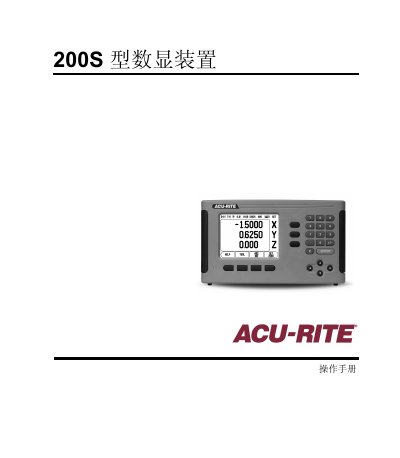
The 200S numeric display provides two operation modes – absolute (actual value) and incremental (distance to move) – and supports both milling and turning applications. Users can switch modes, adjust units, and access a full set of soft‑key functions for tool tables, reference points, and task settings.
The device includes features such as a configurable scaling factor, diameter‑axis display, serial measurement output, proximity‑zero alarm, and remote‑switch data transmission. Password protection (default 8891) prevents accidental changes to machine parameters. This manual is written in Chinese.
| Scaling factor range | 0.1000 – 10.000 |
|---|---|
| Default access password | 8891 |
| Supported units | Inches and millimeters |
| Serial measurement output | Enabled via RS‑232 (Ctrl B) |
| Diameter axis function | On/Off selectable |
Enter a value between 0.1000 and 10.000 (or a negative value) using the numeric keypad; the setting is retained after power‑off.
The default password is 8891.
Press the “absolute/incremental” soft key to toggle between the two modes.
Move the cursor to the “Diameter Axis” field, press ENTER, then toggle the setting with the On/Off soft key.