
Key facts
- Manuals
- 1
- Languages
- ZH
- Last added
- 2026-09-29
Featured ACU-RITE manuals
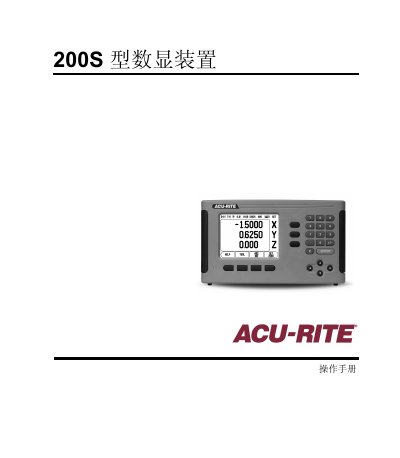
ACU-RITE 200S Numeric Display Operation Manual
The 200S numeric display provides two operation modes – absolute (actual value) and incremental (distance to move) – and supports both milling and turning applications. Users can switch modes, adjust units, and access a full set of soft‑key functions for tool tables, reference points, and task settings.
The device includes features such as a configurable scaling factor, diameter‑axis display, serial measurement output, proximity‑zero alarm, and remote‑switch data transmission. Password protection (default 8891) prevents accidental changes to machine parameters. This manual is written in Chinese.
Covers: Overview · Operation Modes · Reference Point Calculation · Task Settings · Scaling Factor · Mirror and Find Edge
Latest ACU-RITE manuals
ACU-RITE 200S Numeric Display Operation Manual
User Manual 41 pages · 1.4 MB · ZHThe ACU‑RITE 200S numeric display manual explains operation modes, settings, scaling, and data output for milling and turning machines.
Which document do I need?
User Manual
Day-to-day operation, settings and troubleshooting. Start here if the product is already set up.
Questions answered in ACU-RITE manuals
How do I change the scaling factor?
Enter a value between 0.1000 and 10.000 (or a negative value) using the numeric keypad; the setting is retained after power‑off.
What is the default password for accessing system parameters?
The default password is 8891.