
This manual introduces the operation method of AcuRite digital clock.
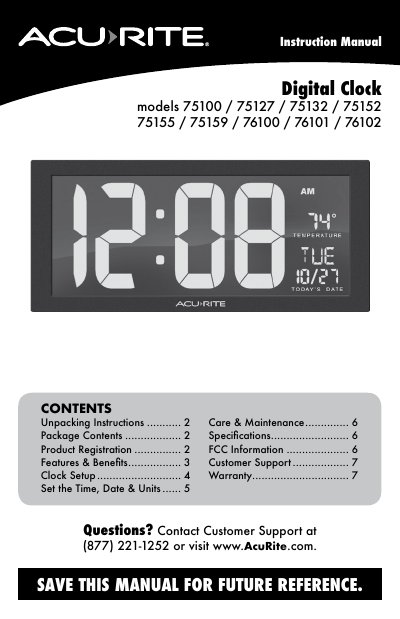
This manual provides setup instructions for AcuRite digital clocks, including time, date, and temperature unit configuration. It covers installation, battery backup setup, and maintenance. The product includes a power adapter and hanging guide. Warranty and customer support details are also provided.
The clock supports multiple models (75100, 75127, etc.) and features AM/PM indicators, day of week, and built-in cord storage. It requires a power adapter for primary operation and optional AA batteries for backup. Temperature range is 32°F to 122°F (0°C to 50°C).
| Temperature Range | 32°F to 122°F; 0°C to 50°C |
|---|---|
| Power (Red LED Clock) | 9-ft. 5V, 1.2A power adapter (included) |
| Power (Blue LED Clock) | 9-ft. 9V, 1A power adapter (included) |
Press and release the "SET" button to enter SET MODE. Use the "A" or "V" buttons to adjust the selected item, then press "SET" to save and move to the next setting.
The product comes with a limited 1-year warranty covering defects in materials and workmanship.