
This is a professional weather display that can connect to the Weather Underground station with a 5-in-1 weather sensor and display weather data on the screen, so that users can learn about indoor and outdoor weather information
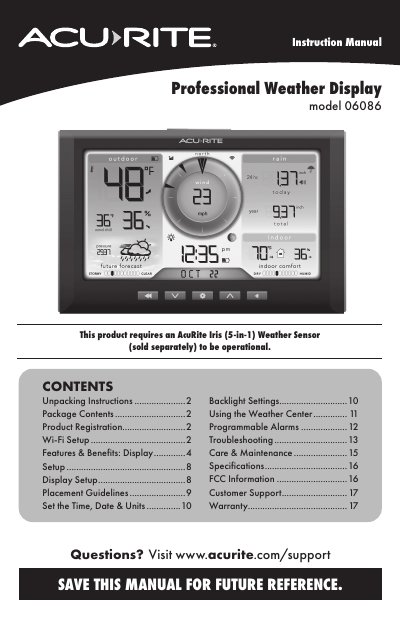
The AcuRite Model 06086 is a professional weather display designed to show current conditions, forecasts, and historical data. It requires an optional AcuRite Iris (5-in-1) Weather Sensor for full functionality and features Wi-Fi connectivity to upload data to Weather Underground.
To operate the unit, users must set the time, date, and units, configure backlight settings, and manage alarms. The display includes a tabletop stand or wall-mounting options and utilizes backup batteries to preserve records during power outages.
| Power Source Requirement | Power adapter is required as the primary power source |
|---|---|
| Wi-Fi Frequency Support | 2.4 GHz wireless networks only |
An AcuRite Iris (5-in-1) Weather Sensor sold separately is required.
Press and hold the RESET button for 10 seconds.