
This manual provides operating instructions, installation steps, battery replacement, and warranty information for AcuRite window thermometer models 00315…
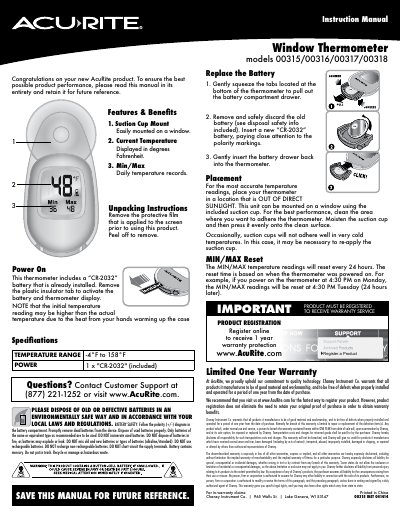
This instruction manual covers the AcuRite Window Thermometer models 00315, 00316, 00317, and 00318. It details the product features, including current temperature display in Fahrenheit and daily minimum/maximum records. The guide explains how to unpack the device, activate the pre-installed CR-2032 battery, and mount the unit on a window using the included suction cup.
| Temperature Range | -4°F to 158°F |
|---|---|
| Power Source | 1 x "CR-2032" |
| Display Unit | Degrees Fahrenheit |
| Mounting Method | Suction Cup |
Remove the plastic insulator tab from the battery compartment to activate the display.
The Min/Max temperature readings reset every 24 hours based on when the thermometer was powered on.