
LaCie Rugged is an external hard drive with Thunderbolt and USB 3.0 interface, which can transfer large amounts of data at high speed. LaCie Rugged is ideal for videographers, photographers, and heavy data users who demand extraordinary performance.
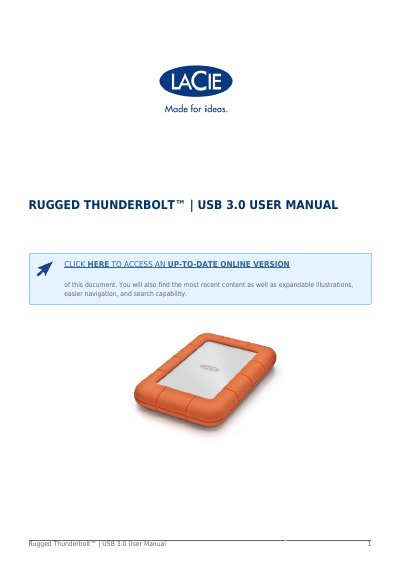
The LaCie Rugged Thunderbolt is an external hard drive designed for videographers and heavy data users, featuring two cutting-edge interfaces: Thunderbolt technology and SuperSpeed USB 3.0. It is compatible with USB 2.0 for universal connectivity and is ideal for use both in the office and in the field. The drive comes with an integrated Thunderbolt cable and a separate USB 3.0 cable, along with a removable rear cover for enhanced protection.
| Ingress Protection Rating | IP 54 |
|---|---|
| Drop Protection Height | 2 meters |
| Thunderbolt Transfer Rate | 10Gb/s |
| USB 3.0 Transfer Rate | 5 Gbits/s |
Your system must meet certain requirements listed on the product packaging or the product support web page at www.lacie.com/support/.
No, it is not possible to use both interfaces at the same time.
It is highly recommended to attach the cover when transporting the drive, when the integrated Thunderbolt cable is in use, or when the USB 3.0 port is not being used.