
This is the online version of the LaCie Rugged SSD user manual, which includes the latest content, expandable illustrations, easier navigation, and search capability.
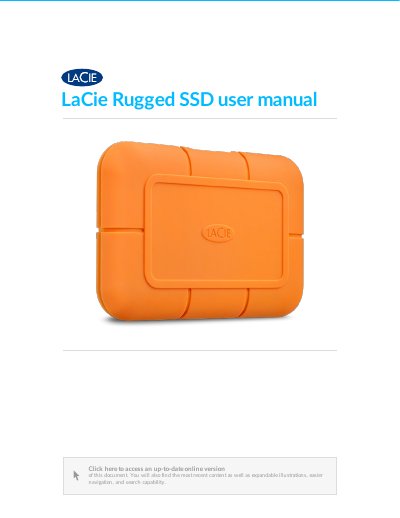
This manual provides step-by-step instructions for setting up and using the LaCie Rugged SSD, including connecting via USB-C or USB-A cables, registering the device, and using the Toolkit for security and backups. It also covers troubleshooting common issues like slow transfers, device detection, and file system compatibility.
The device features IP67 water resistance, drop resistance up to 3 meters, and NVMe speeds up to 950MB/s. It supports Windows 7+ and macOS 10.12+, with minimum 600MB free space required. The manual includes FAQs for issues such as USB hub compatibility, file transfer errors, and device icon visibility.
| Transfer Speed | up to 950MB/s |
|---|---|
| Drop Resistance | up to 3 meters |
| Minimum Free Disk Space | 600MB |
Get speeds of up to 950MB/s.
The device is rated IP67.
Windows® 7 or higher and macOS® 10.12 or higher.
600MB recommended.