
Olympus 2 Photon User Manual

This manual introduces the usage of Olympus 2 Photon
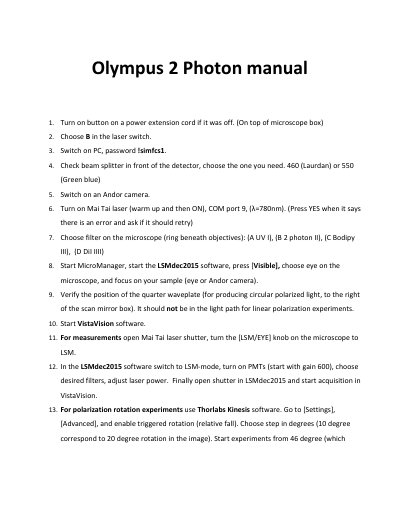

Olympus 2 Photon User Manual - cover page
Brand
Olympus
Category
Other
Document type
User Manual
Language
English
Pages
2
File format
PDF
File size
88 KB
Published
27 October, 2023
Updated
27 October, 2023
MD5 checksum
4D39984C4DEA392D7540333CFCBA3D4D

About this manual

This manual provides operational instructions for the Olympus 2 Photon microscope system. It covers turning on equipment, configuring lasers and cameras, selecting filters, and running acquisition software. It also includes shutdown steps and contact information for troubleshooting.

The manual references specific software (MicroManager, LSMdec2015, VistaVision, Thorlabs Kinesis) and hardware (Andor camera, Mai Tai laser, beam splitter) required for operation.

What's inside

  • Turn on power extension cord
  • Choose laser switch setting
  • Switch on PC and enter password
  • Select beam splitter
  • Turn on Andor camera
  • Turn on Mai Tai laser
  • Choose microscope filter
  • Start MicroManager and LSMdec2015
  • Verify quarter waveplate position
  • Start VistaVision software

Frequently asked questions

What password is required to switch on the PC?

Password !simfcs1.

What should be done to enable triggered rotation in Thorlabs Kinesis?

Go to [Settings], [Advanced], and enable triggered rotation (relative fall).

Download PDF (88 KB)

More Olympus Manuals


View all Olympus manuals →