
Logitech USB Controller Installation Guide for ROBOTC

This is a manual for Logitech USB game controller
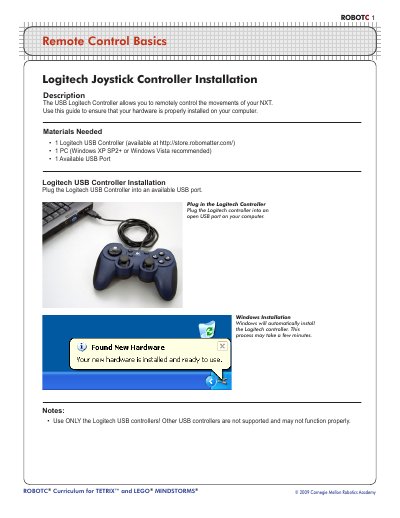

Logitech USB Controller Installation Guide for ROBOTC - cover page
Brand
Logitech
Category
Other Computer Accessories
Document type
User Manual
Language
English
Pages
3
File format
PDF
File size
312 KB
Published
27 October, 2023
Updated
27 October, 2023
MD5 checksum
7FEEA2F759B5591EBAD39433EEC7F170

About this manual

This document serves as a curriculum guide for setting up remote control of NXT robots using the Logitech USB Controller within the ROBOTC environment. It details the necessary hardware components, including the controller, PC, and USB port, and outlines the steps for physical installation.

What's inside

  • Materials Needed
  • Logitech USB Controller Installation
  • Windows Installation
  • Logitech Joystick Controller Installation
  • Logitech USB Controller Check
  • Configure the Controller Inputs

Frequently asked questions

Which operating systems are recommended for this controller?

Windows XP SP2+ or Windows Vista is recommended.

Can I use other USB controllers with this software?

No, you must use ONLY the Logitech USB controllers as others are not supported.

How do I verify the controller is working?

Navigate to Control Panel > Game Controllers, select the device, and check the Test tab to move joysticks and press buttons.

Download PDF (312 KB)

More Logitech Manuals


View all Logitech manuals →