
This document describes how to replace the battery in a Logitech M215 wireless mouse.
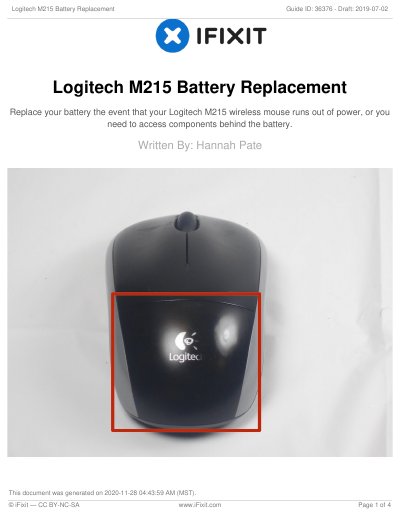
This guide explains how to replace the AA battery in a Logitech M215 mouse. No tools are required, but a prying tool may help. Turn off the mouse before replacing the battery to avoid damaging internal components. The battery cover is popped off using a button or prying tool, then the old battery is removed and replaced with a new one, ensuring correct orientation.
To reassemble, reverse the steps. The guide includes visual instructions and notes on handling the battery safely.
No tools are required, but a prying tool may make the replacement easier.
Press the button on the bottom of the mouse to pop off the cover. If that doesn’t work, pry it off with fingernails or a tool.
The positive (plus) end should be facing away from the buttons.