
Logitech Wireless Mouse M545 Setup Guide
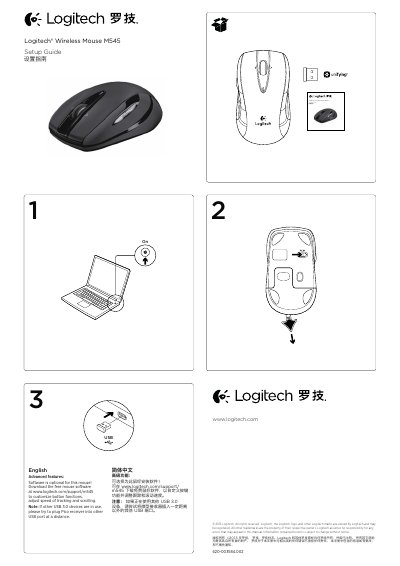
This guide explains how to set up and use the Logitech Wireless Mouse M545. It includes instructions for pairing the mouse with a Unifying receiver, using its buttons and scroll wheel, and troubleshooting common issues like battery problems or connection errors. The mouse supports Windows 7 and 8, with optional software for advanced customization.
Plug in the Unifying receiver, download the Logitech Unifying software, then follow the onscreen instructions to pair the mouse.
The mouse uses one AA alkaline battery.
Check if the mouse is powered on, ensure the Pico receiver is securely plugged in, try changing USB ports, and check battery orientation or replace the battery if needed.