
This manual introduces the features and usage of Harmony Elite 2.
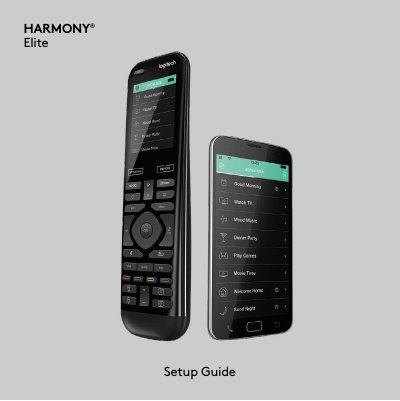
This guide walks you through setting up your Logitech Harmony Elite system, including positioning the hub, charging the remote, and installing the Harmony app. You’ll learn how to connect your hub to Wi-Fi, scan for devices, add entertainment and home control devices, and create custom activities. The guide also covers remote usage, gestures, and software updates.
You can control AV devices, lights, locks, thermostats, blinds, and compatible platforms like Nest, SmartThings, and Philips hue.
Once plugged in, the hub takes approximately 30 seconds to power up.
Once it has been successfully paired and has joined your home network, the LED will glow green.
If the battery drops below 20%, the battery meter will automatically be displayed.