
This manual describes the operation of the ComoScout Type 5889A software.
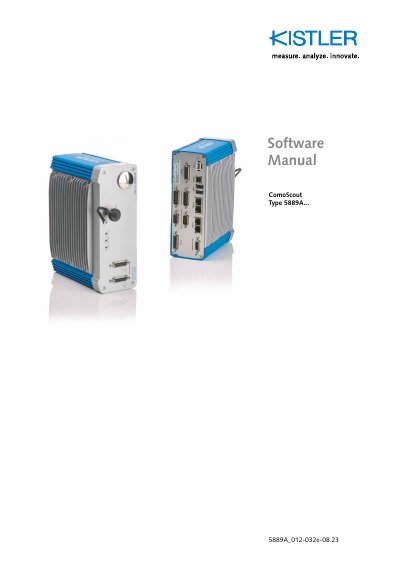
This software manual covers the Kistler ComoScout Type 5889A, a compact system for process optimization and monitoring of plastic injection processing. It explains operation through the Kistler Touch Display or a web browser on a PC, tablet, or smartphone.
The manual describes system overview, operating concept, process and monitoring setup, control settings, IT administration, device configuration, analysis functions, maintenance, firmware updates, calibration, and disposal instructions.
| Sensor signal inputs | Up to 16 (0-10 V) |
|---|---|
| Machine signal inputs | Up to 4 |
| Digital outputs | 24 |
| Monitoring functions | Up to 128 |
| Display | Kistler Touch Display Type 5637A1 |
It can be operated and configured either via the Kistler Touch Display (Type 5637A1) or via a web browser using a PC, tablet, smartphone, etc.
Download the new firmware from the Kistler website, copy it to a USB stick, plug it into the ComoScout, and press [Check for Firmware Updates].
The device can be in Standby, Setup, Production, or Paused mode.