
This user guide describes how to set up the Linksys E800 i router, including setting up a network, connecting devices, changing passwords, improving connection speed, and more.
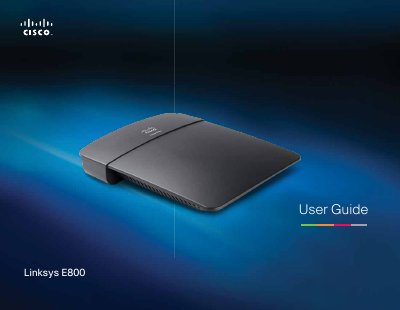
The Linksys E800 User Guide covers the router's package contents, back and bottom views, and features such as 802 11n wireless, Fast Ethernet ports, WPA2 encryption, an SPI firewall, QoS, and IPv6 support. It explains how to create a home network and set up the router with Cisco Connect or the browser-based utility.
The guide also describes advanced setup options including DHCP, MAC address cloning, VPN access, gaming and voice optimization, remote settings, VoIP, UPnP, and access point mode. Later sections cover wireless security and Wi-Fi Protected Setup, port forwarding and port triggering, router maintenance, firmware upgrades, logs, and specifications.
| Wireless standard | 802 11n |
|---|---|
| Ethernet ports | Four Fast Ethernet (10/100) ports |
| Security | WPA2 encryption and SPI firewall |
| QoS | Traffic prioritization |
The package includes the router, a network (Ethernet) cable, an AC power adapter, and a setup CD with router setup software and documentation.
Press and hold the Reset button for 5-10 seconds until the port lights flash at the same time.
Insert the setup CD, click Set up your Linksys Router, then follow the on-screen instructions to complete setup.
Install the router near the center of your home and near the ceiling if possible, and avoid metal objects, reflective surfaces, masonry walls, and other obstructions.