
The Sony DSLR‑A100 user manual covers setup, battery handling, lens installation, power and clock settings, language selection, media insertion, and basic…
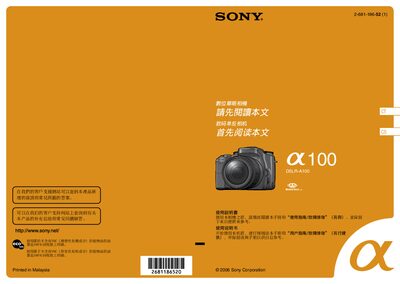
This manual guides users through preparing the camera, including checking accessories, charging and installing the NP‑FM55H battery, and attaching the appropriate lens. It also explains how to power the camera on, set the clock, and adjust language settings.
Further sections describe supported recording media (Memory Stick Duo, CompactFlash, Microdrive), how to insert and format media, and how to view, delete, and print images. Safety notes and troubleshooting tips are provided throughout. This manual is written in Chinese.
| Battery type | NP‑FM55H (only compatible battery) |
|---|---|
| Full charge time | Approximately 235 minutes at 25 °C |
| Normal charge time | Approximately 175 minutes |
| Supported recording media | Memory Stick Duo, CompactFlash, Microdrive |
| AC power adapter | AC‑VQ900AM, 100‑240 V, 50/60 Hz |
Only the NP‑FM55H battery is supported; NP‑FM50 and NP‑FM30 must not be used.
At 25 °C a full charge takes about 235 minutes, while a normal charge takes about 175 minutes.
Open the cover carefully, align the media correctly, and push it straight in until it stops; do not force it.
Turn the camera on, go to the Settings menu, select "Date/Time", and adjust the values as needed.