
This manual is the Olympus digital camera user manual, which introduces the camera's button functions, printing pictures, transferring pictures, using computers, etc.
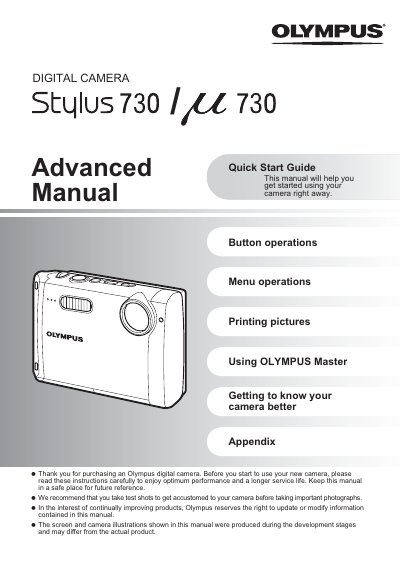
This manual provides step-by-step instructions for using the Olympus Stulus 730 digital camera, including battery preparation, date/time setup, taking photos, and printing. It also covers using OLYMPUS Master software for transferring and saving images. The guide includes safety precautions and tips for optimal performance.
The manual is organized into sections: Quick Start Guide, Button Operations, Menu Operations, Printing Pictures, Using OLYMPUS Master, Getting to Know Your Camera Better, and Appendix. It includes illustrations and detailed explanations for each function.
The box includes a strap, LI-40C Battery Charger, USB Cable, AV Cable, and OLYMPUS Master Software CD-ROM.
It takes approximately 5 hours to fully charge the battery.
Press the POWER button to turn on the camera.
The time is displayed in the 24-hour format.