
This manual provides steps on using Universal PMBus™ GUI software, including software installation, setup and usage.
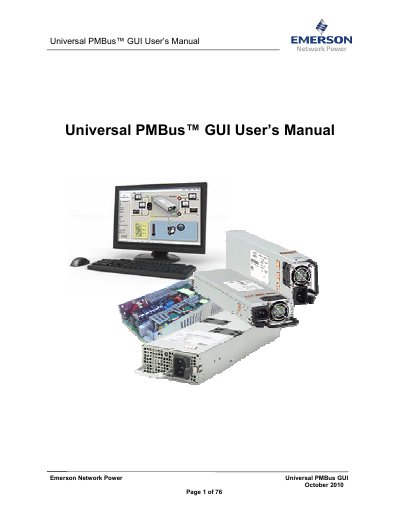
This manual provides step-by-step instructions for installing and using the Universal PMBus™ GUI software by Emerson Network Power. It covers system requirements, hardware setup, GUI navigation, power supply configuration, and firmware updates. The guide also includes a troubleshooting section for common errors such as USB-I2C hardware detection issues or communication failures. The software supports AC-DC and DC-DC power supplies and requires Windows XP, Vista, or 7 (32-bit) with .NET Framework 3.5.
Ensure the USB-to-I2C adapter is connected to the computer and select the correct adapter in the device menu.
It is designed to make PSU accessible using PMBus protocol and provide information and controls for Emerson Power Supply Products.
Intel/AMD Dual Core Processor 1.6GHz and 1GB RAM.
Windows XP, Win VISTA (32Bit), Win7 (32Bit).