
Instructions for installing, signing in, and using Skype on a Samsung TV.
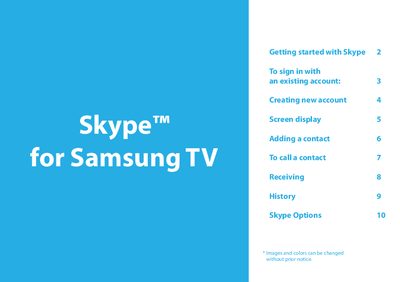
This manual explains how to set up Skype on a Samsung TV, including network configuration, signing in, creating an account, and using the TV camera. It also covers basic call functions, contact management, and privacy settings.
The guide provides step‑by‑step instructions for making voice and video calls, handling incoming calls, reviewing call history, and adjusting Skype options such as auto‑launch, video privacy, and call forwarding.
| Supported Skype version (Windows PCs) | 4.2 or greater |
|---|---|
| Supported Skype version (Mac PCs) | 5.0 or greater |
| Required camera | Samsung TV camera only |
Version 4.2 or greater is required for Windows‑based PCs.
No, only the Samsung TV camera is supported; other webcams are incompatible.