
The Samsung DVD-V9800 user manual provides safety instructions, setup, connection, and operation guidance for the DVD‑VCR player.
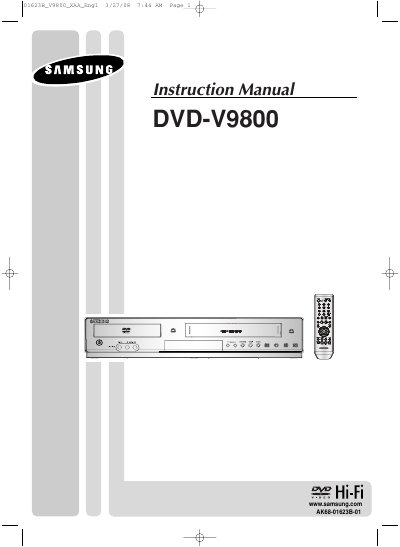
This manual covers important safety instructions, proper handling, and maintenance for the Samsung DVD‑VCR DVD‑V9800. It includes detailed steps for installing batteries in the remote, connecting to TVs and audio systems, and configuring HDMI and component video outputs.
The guide also explains DVD and VCR operation, region code requirements, supported disc formats, and troubleshooting tips, along with technical specifications such as power requirements, audio/video inputs and outputs, and warranty information.
| Power Requirement | 120V AC, 60 Hz, 25 W |
|---|---|
| Audio Inputs | 2 Stereo RCA, -8 dBm, 47 kΩ |
| Audio Outputs (DVD only) | 1 Coaxial, 1 Optical digital |
The unit can be used only with an AC 120 V, 60 Hz power supply.
Yes, the player uses Region Management; the disc’s region number must match the player’s region number.
It has one HDMI output.
The limited warranty is one year for parts and 90 days for labor.