
The Samsung SF-560R fax machine user manual provides setup, operation, maintenance and troubleshooting instructions.
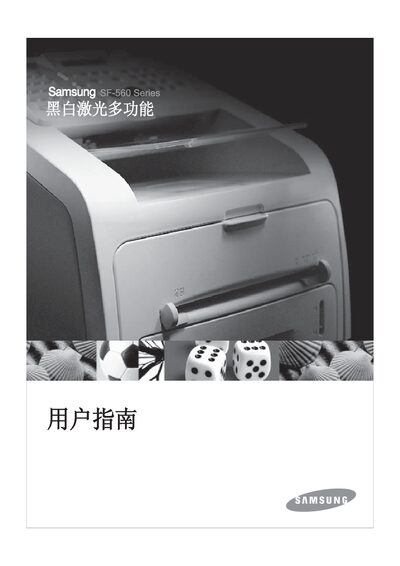
This manual guides users through installing the SF-560R, configuring basic and advanced fax functions, and adjusting settings such as language, date/time, and paper handling. It also covers safety precautions, power requirements, and environmental disposal information.
Detailed chapters cover maintenance tasks like cleaning the scanner and replacing the toner cartridge, as well as troubleshooting steps for common issues such as paper jams and error messages.
| ADF capacity | 20 sheets |
|---|---|
| Document size (width) | 142–216 mm (5.6–8.5 in) |
| Document size (length) | 148–356 mm (5.8–14 in) |
| Input paper capacity | 250 sheets |
| Front output tray capacity | 150 sheets (face‑down) |
| Power requirements | 100‑127 VAC 50/60 Hz 4.0 A or 220‑240 VAC 50/60 Hz 2.5 A |
| Standby power consumption | 85 W (100‑127 VAC) / 95 W (220‑240 VAC) |
| Dimensions (W×L×H) | 363 × 398.5 × 308.3 mm |
| Net weight | 9.7 kg |
| Toner cartridge life | 3,000 pages (1,000 pages initial) |
The ADF can hold up to 20 sheets of paper.
It requires 100‑127 VAC at 50/60 Hz drawing 4.0 A, or 220‑240 VAC at 50/60 Hz drawing 2.5 A.
Clean the exterior and interior with a damp cloth only; do not use liquids or aerosol cleaners.
In standby mode the unit uses 85 W on 100‑127 VAC or 95 W on 220‑240 VAC.