
This manual is a basic user guide of Olympus FV1000 MPE, introduces how to find the sample and configure the software
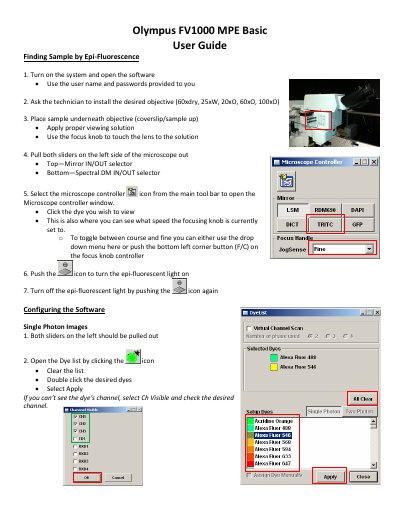
This guide provides step-by-step instructions for operating the Olympus FV1000 MPE confocal microscope system. It covers setting up samples using epi-fluorescence, configuring software for single-photon imaging, selecting lasers and scan parameters, and acquiring images. It also includes instructions for two-photon imaging, including switching to darkroom mode and configuring IR lasers. The guide includes details on saving images in OIF or OIB formats.
Turn on the system and open the software.
60xdry, 25xW, 20xO, 60xO, 100xO.
Push the icon to turn the epi-fluorescent light on.
About 10 minutes.