
Micron 8-Voice Analog Modeling Synthesizer Quick Start Owner's Manual

This is a quick start manual for the Micron 8 voice analog modeling synthesizer
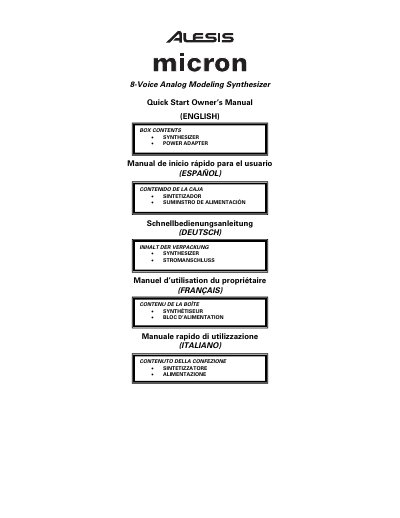

Micron 8-Voice Analog Modeling Synthesizer Quick Start Owner's Manual - cover page
Brand
Micron
Category
Other Electronics
Document type
Quick Start Guide
Language
English
Pages
33
File format
PDF
File size
3.1 MB
Published
19 October, 2023
Updated
19 October, 2023
MD5 checksum
ECEE2E4F5BD246C278763FEBB2877251

About this manual

This manual provides instructions for setting up the Micron 8-Voice Analog Modeling Synthesizer. It details how to connect AC power safely, establish stereo audio connections to an amp or mixer, and plug in headphones or optional expression pedals like the Roland EV-5. The guide also explains how to connect a keyboard sustain pedal, which the unit automatically senses and calibrates upon powering on.

What's inside

  • Connection Diagram
  • Connecting AC Power
  • Making Audio Connections
  • Connecting the Foot Pedals
  • The Micron's Main Controls
  • The Performance Buttons
  • The Control Knob Circle
  • Mode Jumping Shortcuts
  • Other Shortcuts
  • Editing on the Micron

Frequently asked questions

What items are included in the box with the synthesizer?

The box contains the synthesizer and a power adapter.

How should the power adapter be connected before turning the unit on?

Ensure the power switch is off, then plug the adapter into the synthesizer's socket and a power outlet.

What happens when a sustain pedal is connected and the unit is turned on?

The unit will automatically sense the pedal and calibrate itself to it.

Download PDF (3.1 MB)

More Micron Manuals


View all Micron manuals →