
This is an assembly manual for Micron printer.
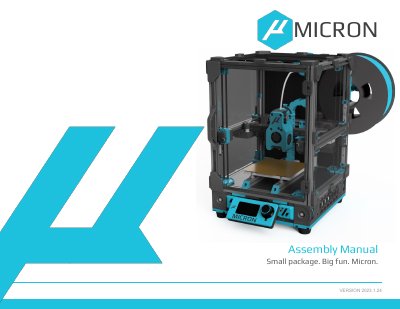
This guide walks you through assembling the Micron 3D printer’s frame and key components like Z rails, A/B belts, and the heated bed. It includes instructions for aligning parts, using blind joints, and installing rail stops. The manual also provides STL file naming conventions, recommended print settings for ABS plastic, and credits the Voron community and V2 mod developers for their contributions.
The guide is structured with detailed steps for each major assembly phase, including extrusion preparation, rail alignment, and frame squareness checks. It emphasizes working on a flat surface and using printed alignment tools to ensure precision. The document is versioned and includes links to GitHub and Discord for support.
The printer was designed for ABS, though other plastics can be used at your own discretion.
The recommended layer height is 0.2mm.
Five solid top and bottom layers are recommended.