
This is an instruction manual for setting up logitech harmony smart controller, mainly introduces how to connect and use the product
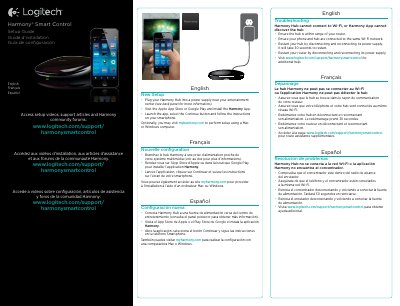
This guide explains how to set up the Logitech Harmony Smart Control, including connecting the Harmony Hub to power, installing the Harmony app, and configuring devices. It also covers troubleshooting steps for Wi-Fi and device connectivity issues. The guide is available in English, French, and Spanish.
The Harmony Smart Control uses Wi-Fi to connect to your smartphone app and IR/Bluetooth to control devices. It includes a Harmony Hub, IR mini blaster, and remote control, with setup instructions for each component.
Ensure the hub is within range of your router and that your phone and hub are on the same Wi-Fi network. Restart the hub and router if needed.
Green LED means setup is complete; red LED means the hub is starting up, not yet configured, or Wi-Fi is lost.