
Step-by-step instructions for replacing an existing AT&T Wi-Fi Gateway with a new NVG599 model without a voice swap, including setup and return procedures.
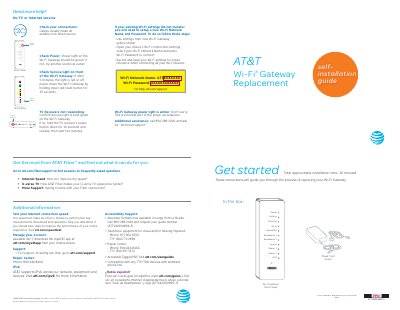
This guide provides step-by-step instructions for replacing your current Wi-Fi Gateway with a new NVG599 unit. It covers the initial power-up sequence, transferring network settings from the old device to the new one via an online utility, and configuring the new gateway's wireless access point. The document also includes troubleshooting tips for service lights and internet connectivity.
The total approximate installation time is 20 minutes.
Power down the Wi-Fi Gateway by holding down the red reset button for 15 seconds.
Take the original gateway and power cord to a UPS Store within 21 days to avoid a $150 charge.