
This is a heavy duty differential pressure gauge that can measure gauge pressure and differential pressure.
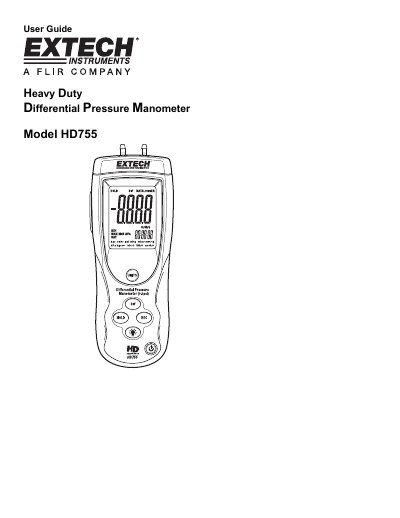
The Extech HD755 is a heavy-duty differential pressure manometer that measures gauge and differential pressure in the range of ±0.500 psi. It features 11 selectable units of measure, data hold, min-max-avg recording, zero/offset, auto power-off, and USB PC interface. The device is powered by a 9V battery and includes quick-disconnect fittings for easy connection. It is designed for reliable performance with proper use and includes warranty and support information.
The manual covers basic operation, unit selection, differential input setup, zeroing and offsetting, recording mode with elapsed timer, USB interface, error codes, specifications, battery replacement, and calibration services. It also includes technical support contact details and copyright information.
| Accuracy | ±0.3%FS + 1d (@ 25°C) |
|---|---|
| Repeatability | ±0.2% to 0.5% FS |
| Maximum Pressure | 2psi |
| Response time | 0.5s typical |
| Battery power | 9V alkaline battery |
| Battery life | 125 hours typical |
| Dimensions | 8.2 x 2.9 x 1.9” (210 x 75 x 50mm) |
| Weight | 9.8oz (280g) |
The HD755 measures gauge and differential pressure in the range of ±0.500 psi.
To ZERO the meter: Before use and without fittings attached to the meter, press and hold the HOLD button for 3 seconds or until the display shows all zeroes.
The meter offers eleven (11) units of measure: BAR, mBAR, psi, kg/cm2, mm Hg, inches Hg, kPa, feet H2O, inches H2O, cm H2O, and oz in2.
The meter has a built-in USB port for use with the Manometer Data Acquisition software. The software allows the user to view, save, export, and print readings from the HD755.