
This manual introduces the use of Extech Laser Photo / Contact Tachometer RPM33, including product features, characteristics, specifications, and usage methods.
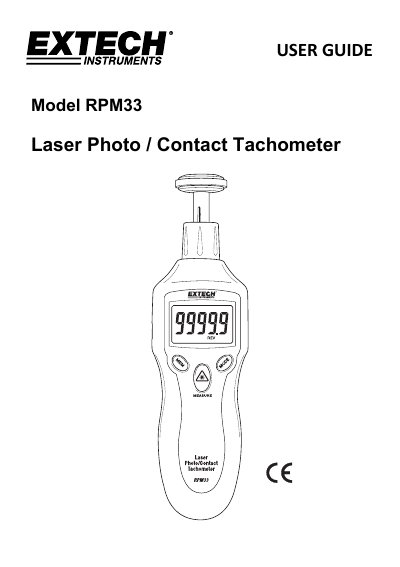
The Extech RPM33 is a digital tachometer designed to measure rotational speed (RPM), total revolutions, frequency, surface speed, and length. It features both non-contact (photo) and contact measurement modes, utilizing a laser pointer and various accessories like cones and wheels. Key features include a backlit LCD, MAX-MIN-AVG memory, and the ability to record and recall readings.
| Display | 5-digit LCD Display |
|---|---|
| Laser Class | Class 2 laser < 1mW power |
| Wavelength | 630 to 670nm |
| Detecting Distance | 50 to 500mm (2 to 20") |
| Sampling Time | 0.5 seconds (over 120 rpm) |
| Accuracy | ± (0.05% reading + 1digit) |
| Memory Capacity | 400 stored readings |
| Power Supply | 9V battery |
| Weight | 151g (5.3oz.) |
| Size | 160 x 60 x 42 mm |
The device can measure at a distance of 2" to 20" (50 to 500mm).
The RPM33 can log up to ten (10) reading sets for each measurement session.
The instrument requires a 9V battery.
Press and hold the MODE button for two seconds to switch between these modes.