
Extech 380460es and 380462es Precision milliohm Meters features and specifications
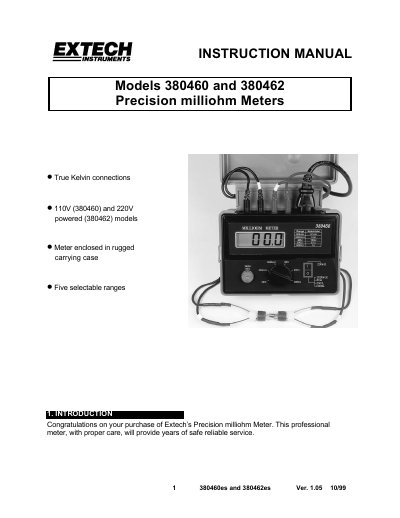
This manual covers the operation and specifications of the Extech 380460es and 380462es precision milliohm meters. It includes setup, measurement procedures, and safety precautions. The meters support 4-wire Kelvin measurements for accurate low-resistance readings and come in 110V and 220V versions. Calibration and warranty information are also provided.
| Display | 0.7" (18 mm) LCD (1999 counts) |
|---|---|
| Measurement Type | 4-Terminal Kelvin type terminals |
| Measurement Range | Five ranges (200m, 2, 20, 200, 20002) |
| Power Supply | 110V (380460) or 220V (380462) +15%, 50/60Hz |
| Weight | 1.5 lbs (680g) |
| Dimensions | 6.3x4.72x3.35" (160 x 120 x 85 mm) with cover |
The 380460es model requires 110V, while the 380462es model requires 220V, both at +15%, 50/60Hz.
Short the two Kelvin clips and rotate the Zero Adjust Knob until the meter indicates zero units.
The meter has five selectable ranges: 200m, 2, 20, 200, and 20002.