
MO290 Pinless Moisture Meter with Patented Built-in IR Thermometer can monitor moisture in wood and other building materials without surface damage. Measure Humidity and Air Temperature with built-in probe plus non-contact InfraRed Temperature with patented IR design. Advanced functions provide Grains per Pound, Dew Point and Vapor Pressure calculations.
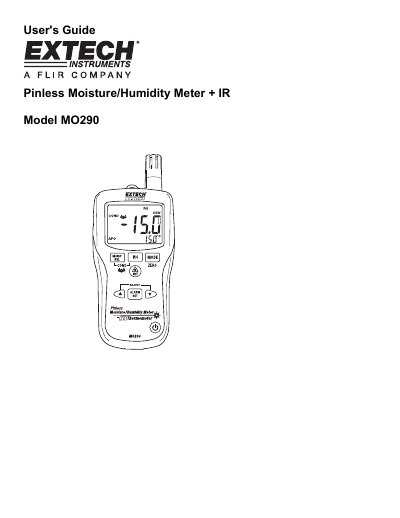
The Extech MO290 is a pinless moisture meter designed to measure moisture content in wood and other building materials without damaging the surface. It features a patented built-in infrared thermometer for non-contact temperature measurement and includes advanced calculation functions such as Dew Point, Vapor Pressure, and Grains Per Pound (GPP). The device also supports optional remote pin-type probes for deeper penetration readings.
| Pinless Moisture Range | 0 to 99.9 |
|---|---|
| RH Measurement Range | 0 to 10% ± 3%RH, 11 to 90% ± 2.5%RH, 91 to 100% ± 3%RH |
| Air Temperature Range | -20 to 170°F (-29 to 77°C) |
| IR Temp Range | -4 to 31°F, 32°F, 33 to 392 °F, -20 to-1°C, 0°C, 1 to 200°C |
| Pinless Depth | Up to 0.75" (19mm) |
| Operating Temperature | 14 to 122°F (-10 to 50°C) |
| Battery Life | 6-8 weeks (4 hrs/day use) |
| Dimensions | 6.5x2.8x1.5' (165x70x38mm) |
Hold the meter so that the rear sensor is away from any surface or your hand. If the reading is not near 0.0, press and hold the ZERO button for more than 2 seconds.
The meter's field of view ratio is 8:1, meaning that if the meter is 8 inches from the target, the diameter of the object under test must be at least 1 inch.
The meter will enter a sleep mode after 30 minutes of inactivity and emits a warning beep 15 seconds before shutting down.