
The Extech WTH600-E Wireless Weather Station with 5-in-1 Wireless Sensor measures rainfall, wind velocity, wind direction, temperature, and relative humidity. This manual describes the features, functions, and how to use the weather station.
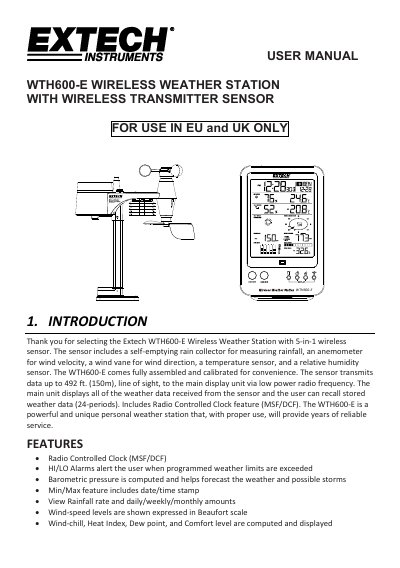
This manual provides instructions for the Extech WTH600-E Wireless Weather Station, a personal weather station designed for use in the EU and UK. The system consists of a main display unit and a wireless sensor that measures wind speed, wind direction, rainfall, temperature, and relative humidity. The sensor transmits data up to 492 ft (150m) via low power radio frequency to the main unit, which also features a radio-controlled clock (MSF/DCF) and various weather calculations.
| Transmission Range | 492 ft (150m) |
|---|---|
| Sensor Components | 5-in-1 wireless sensor |
| Data Storage | 24 periods |
| Clock Feature | Radio Controlled Clock (MSF/DCF) |
| Wind Speed Units | mph, m/s, km/h, knots |
| Barometer Units | hPa / inHg / mmHg |
| Rainfall Units | in / mm |
| Battery Type (Main Unit) | Three 'AA' batteries |
| Battery Type (Sensor) | Batteries (polarity indicated) |
| Mounting Height | Minimum 1.5m off the ground |
The sensor transmits data up to 492 ft. (150m), line of sight, to the main display unit.
After replacing the sensor's batteries, press the [SCAN] button on the main unit and then press the [RESET] button on the sensor.
Yes, you can disable it permanently by pressing and holding the [RCC] button for 8 seconds.
Install the sensor at least 1.5m off the ground in an open area within 150 meters from the Main Unit, with the wind meter end pointing to the North.