
The Extech EC100 pen style water quality meter measures conductivity and temperature.
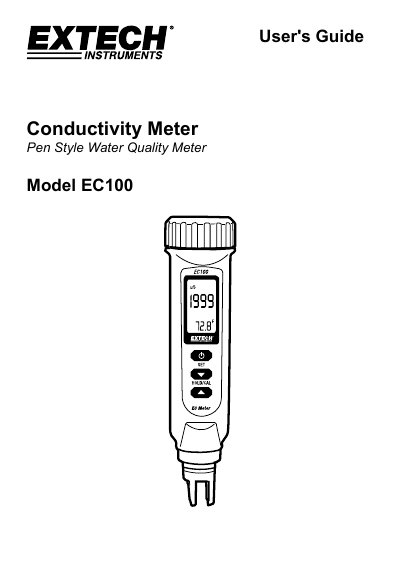
This manual covers the operation of the Extech EC100 pen-style water quality meter, including battery installation, display features, and measurement procedures. It explains how to use automatic and manual ranging, data hold, calibration, and setup modes. The device is IP65 waterproof and powered by four LR44 batteries. Users are instructed to rinse the electrode with deionized water before use and to store the meter with batteries removed for long-term storage.
The manual also details setup parameters such as temperature units (C/F), normalization temperature (default 25°C), and temperature coefficient (default 2.1% per °C). Calibration can be performed for two ranges: 0 to 1999 µS and 0 to 19.99 mS. Automatic power-off occurs after 20 minutes of inactivity, which can be disabled via setup mode. Battery replacement is required when the low battery icon appears, and EU users must dispose of used batteries at designated collection points.
| Measurement Type | Conductivity and Temperature |
|---|---|
| Battery Type | Four (4) LR44 button batteries |
| Conductivity Ranges | Range 1: 0 to 1999 µS; Range 2: 0 to 19.99 mS |
| Temperature Coefficient | 2.1% per °C (factory default) |
| Normalization Temperature | 25°C (factory default) |
| Auto Power-Off | After 20 minutes of inactivity |
The meter has two ranges: 0 to 1999 µS (Range 1) and 0 to 19.99 mS (Range 2).
Press and hold the up arrow button for at least 2 seconds to switch to Manual Range mode.
The factory default temperature coefficient is 2.1% per °C.