
Extech CT40 is a cable tester and digital multimeter that uses a transmitter/receiver to allow wire identification of an individual core to the end of a multi-core cable.
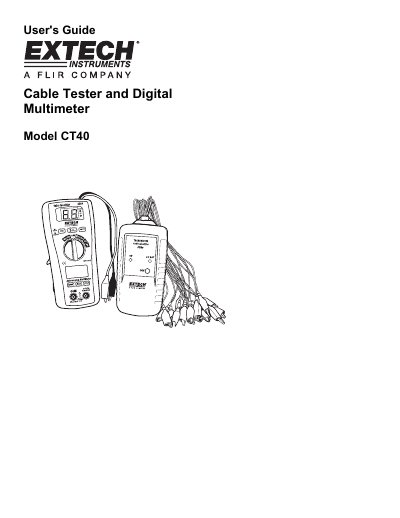
The Extech CT40 is a combined cable tester and digital multimeter designed for wire identification and electrical measurements. It consists of a transmitter unit with 16 alligator clips for identifying individual cores in a multi-core cable and a receiver unit with a digital multimeter function. The device allows users to identify wires by connecting the transmitter to the cable cores and the receiver to the common ground, displaying the wire number on the receiver's LCD. It also features a digital multimeter capable of measuring AC/DC voltage, current, resistance, continuity, and diode checks.
| Max input voltage | 600V AC/DC |
|---|---|
| Display | 2000 count 3 -1/2 digit LCD |
| Auto Power Off | 15 minutes |
| Batteries | 9V battery and two AAA batteries |
| Operating Temperature | 0°C to 40°C |
| Weight | 10.8 oz (308g) |
The audible signal sounds if the resistance is less than the continuity threshold, typically between 15 and 200 Ohms.
The auto off feature will turn the meter off after approximately 15 minutes.